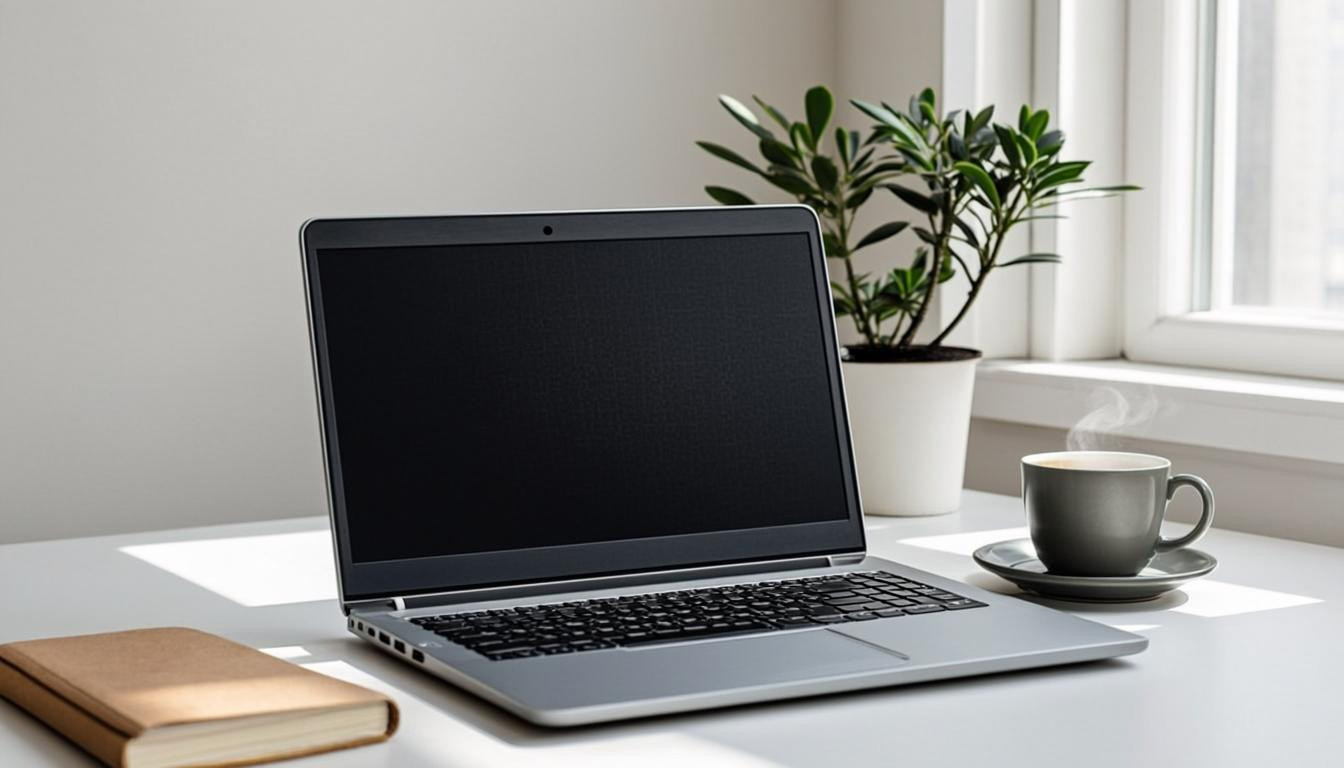
Finding a dependable laptop under $700 used to mean compromising on something obvious — battery life, build quality, or screen resolution. In 2026, the bar has risen sharply. Modern budget laptops now ship with the kind of displays, keyboards, and all-day battery life that were flagship features just three years ago. Whether you’re a student heading back to campus or a remote worker setting up a backup machine, there’s never been a better time to shop the budget tier.
What to Actually Prioritize
The single most important spec in a budget laptop is the screen, not the processor. You’ll be staring at it for hours every day, so look for an IPS panel with at least 100% sRGB coverage and 300 nits of brightness. A dim, washed-out display will fatigue you faster than any CPU slowdown. RAM comes next — 16GB is the new sensible minimum, since browsers and video calls together eat 8GB before you’ve opened a single app.
Processor: Don’t Overthink It
Any recent-generation chip from AMD’s Ryzen 5 line, Intel’s Core i5 line, or Apple’s M-series will handle everyday workloads without breaking a sweat. The differences between them are real but small for typical use — documents, browsing, light photo editing, and the occasional Zoom call. What matters more is thermal design: a laptop that throttles under load will feel slower than a lower-spec machine that stays cool.
Battery Life Is Non-Negotiable
A budget laptop should comfortably last a full workday away from the wall. Look for at least eight hours of real-world mixed use, not the optimistic numbers manufacturers quote. ARM-based Windows laptops and Apple’s M-series MacBooks lead here, often crossing the 15-hour mark. Traditional x86 machines can still hit double digits, but only when their batteries are oversized — and that adds weight.
Build Quality on a Budget
Aluminum chassis used to be reserved for $1,000+ machines. Now you’ll find all-metal builds at half that price. Even when budget laptops stick with plastic, the better ones use reinforced hinges and dense, matte finishes that don’t immediately scream cheap. Pay attention to the keyboard deck — if it flexes when you type, expect it to age poorly.
Ports, Storage, and the Little Things
Storage has finally moved past the 128GB era, but a few budget machines still ship with cramped drives. Aim for 512GB NVMe as your baseline. On ports, USB-C with charging is essential, but having at least one traditional USB-A and a full HDMI port will save you from carrying dongles. A webcam with physical shutter and a fingerprint reader in the power button are small quality-of-life upgrades that genuinely improve daily use.
The short version: prioritize screen, RAM, and battery in that order. Processors and storage are easier to live with than a bad display or a dead battery by 3pm. Browse the laptop lineup at ShopBar for handpicked budget-friendly options that meet these benchmarks.



Discussion
0 CommentsShare your thoughts — every perspective adds value.